- Authors

- Name
- 오늘의 바이브
"I don't read the code. I just go with the vibe"
On February 2, 2025, former Tesla AI director Andrej Karpathy posted a tweet.
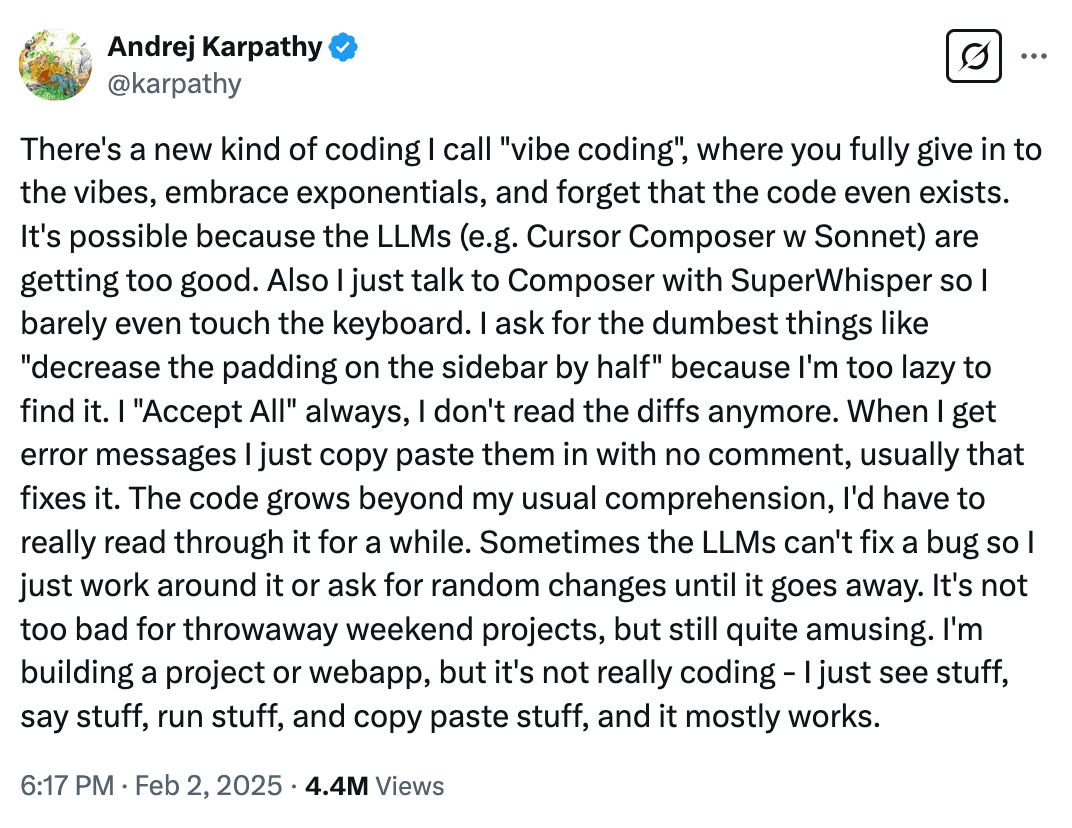
"I'm calling this vibe coding. You fully give in to the vibes, embrace exponentials, and forget that the code even exists. I just see stuff, say stuff, run stuff, and copy paste stuff, and it mostly works."
The tweet crossed 4.5 million views. "Vibe coding" became a Collins Dictionary Word of the Year candidate in 2025. A year later, it is an established way of writing software.
What Vibe Coding Is
One sentence:
A person who cannot code tells an AI what to build, and the AI builds it.
Traditional coding means learning a programming language, memorizing syntax, and debugging errors. Vibe coding hands all of that to the AI. The human only describes what they want.
For example:
| Traditional Coding | Vibe Coding |
|---|---|
const btn = document.createElement('button') | "Make me a button" |
btn.style.backgroundColor = '#22c55e' | "Make it green" |
btn.addEventListener('click', () => { ... }) | "Show an alert when I click it" |
| Error -> Stack Overflow -> 30 minutes of pain | Error -> paste into AI -> fixed in 10 seconds |
You do not need to read code. The AI writes it, the AI fixes it, the AI deploys it. You just set the direction.
Why Now
Vibe coding did not appear out of nowhere. It became possible once AI coding tools crossed a capability threshold.
2022 -- GitHub Copilot launched. AI started suggesting code. But suggestions were just suggestions. The developer still had to review every line.
2024 -- Cursor and Windsurf arrived. AI started editing files directly. Say "add dark mode to this component" and it modifies multiple files at once.
2025 -- Claude Code and Codex shipped. AI left the IDE. It creates files, builds, and commits straight from the terminal.
2026 -- Apple integrated Claude Agent and Codex into Xcode. AI coding is no longer an experiment. It is the standard.
The numbers right now:
| Metric | Figure |
|---|---|
| Developers using AI coding tools | 85% |
| GitHub Copilot cumulative users | 20 million |
| Cursor annual revenue | $500M (in 2 years) |
| Code written by AI (per Copilot session) | 46% |
| YC Winter 2025 batch with 95%+ AI-generated code | 25% |
More than 3 out of 4 developers already code with AI. Vibe coding is not a fad. It is a shift.
The Tool Landscape
Vibe coding requires tools. As of 2026, the main tools fall into three categories.
1. Inside the IDE -- Cursor, Windsurf, Copilot
AI assists you inside the code editor.
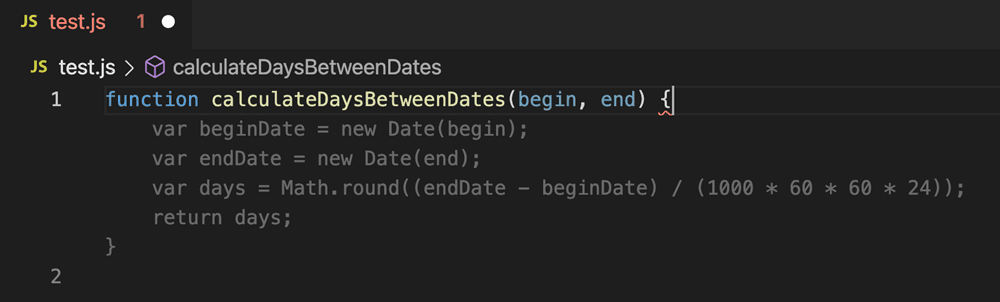
GitHub Copilot came first and has the most users. Type code in VS Code and the AI suggests the next line in gray. Press Tab to accept.
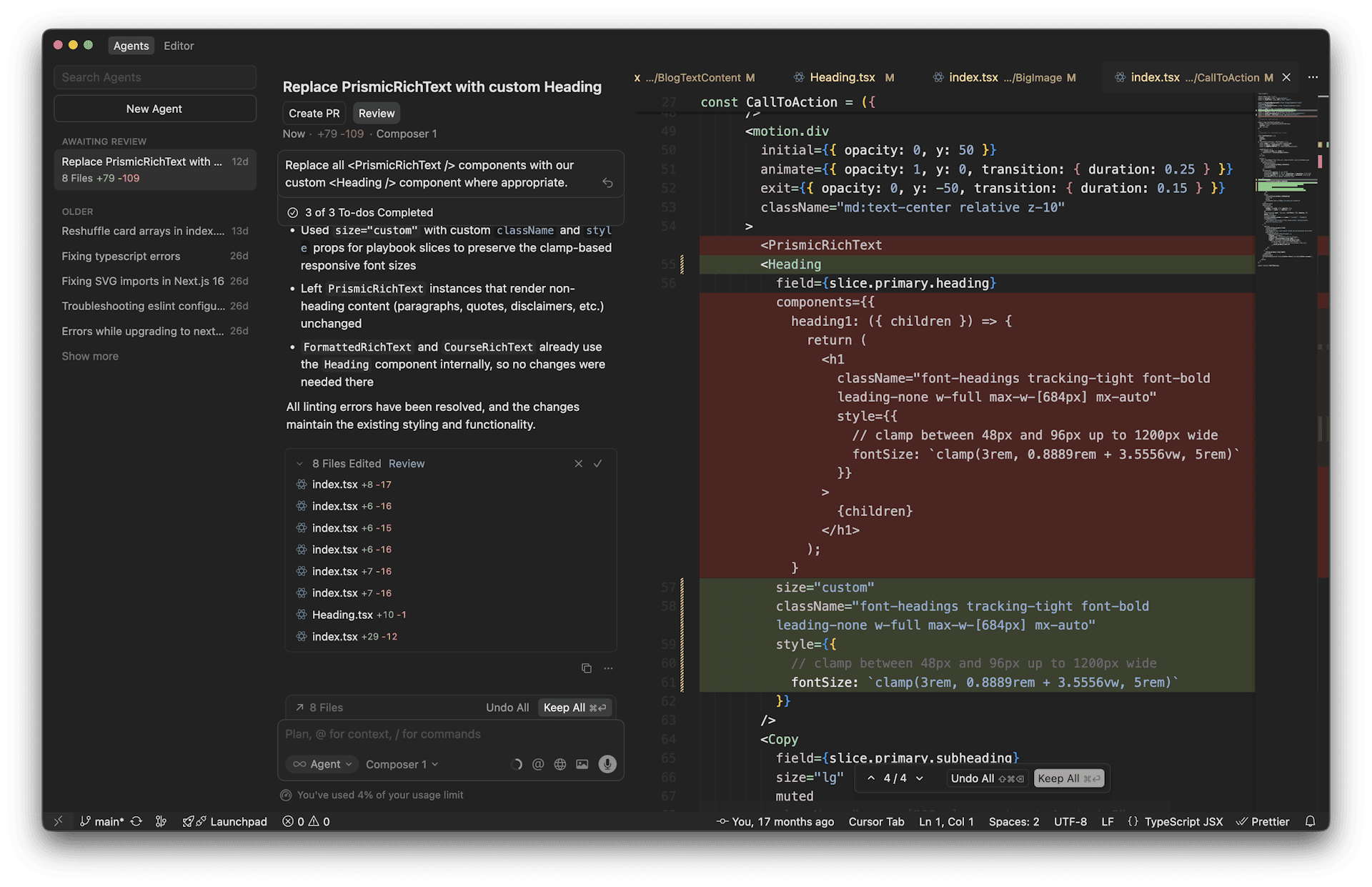
Cursor goes a step further. The AI does not just suggest -- it edits files directly. Say "refactor this function" and it modifies multiple files, makes a plan, and executes it. There is a reason it hit $500M in annual revenue in two years.
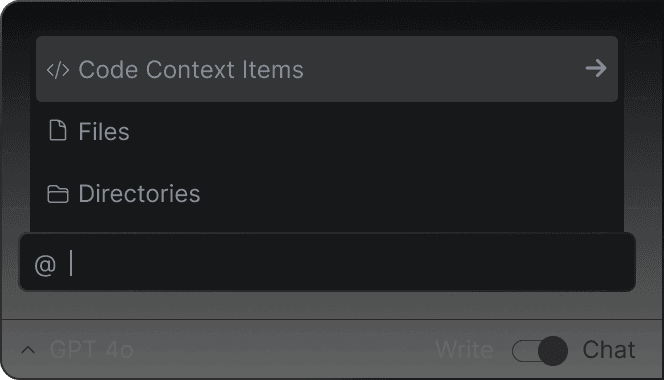
Windsurf (formerly Codeium) runs on an AI agent called Cascade. It maintains conversational context while editing code and running commands.
2. In the Terminal -- Claude Code
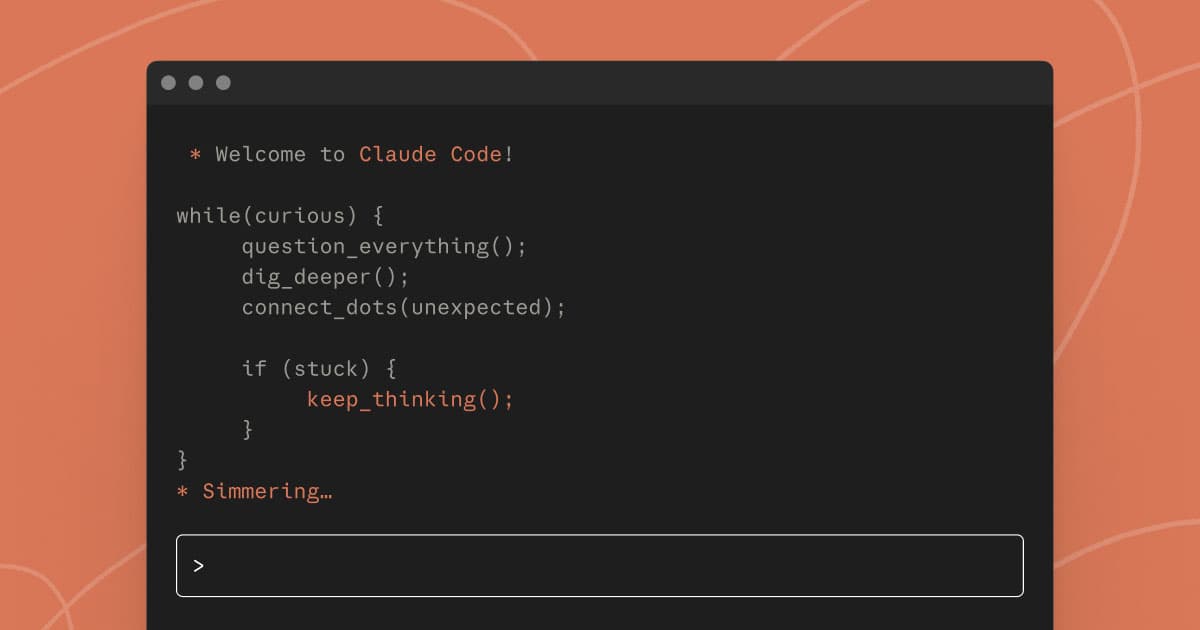
Claude Code does not need an editor. You code by talking in the terminal (the black screen). Say "make me a Next.js blog" and it creates files, writes code, builds, and tests.
This blog (todaysvibe.net) was built with Claude Code. I designed it, wrote the posts, and deployed it -- all through terminal conversations.
3. No-Code Builders -- Lovable, Bolt, Replit
If you do not want to see a coding screen at all, these tools exist. Type "make me a todo app" in a web browser and a finished app comes out.
Lovable hit $100M in annual revenue eight months after launch. 63% of its users are not developers. That is proof that vibe coding is opening the non-developer market.
| Type | Main Tools | Target Audience | Freedom |
|---|---|---|---|
| IDE-first | Cursor, Windsurf, Copilot | Developers + beginners | High |
| Terminal-first | Claude Code, Codex | Developers + power users | Highest |
| No-code builder | Lovable, Bolt, Replit | Non-developers | Low (but easy) |
Why You Do Not Need to Know How to Code
"Can I really do this without knowing how to code?" To answer that honestly, here is exactly what the human does in vibe coding:
- Decide what to build -- "I want a blog"
- Explain it to the AI -- "Dark theme, terminal style, Korean blog"
- Review the result and request changes -- "Make the font smaller", "Change the color to green"
- Deploy when done -- "Push it to Vercel"
At no point do you write code. You do not need to read code. You do not need to judge whether the AI's code is right or wrong. If there is an error, show the error message to the AI.
There are limits, of course. Complex apps, specialized requirements, and performance optimization still need human judgment. But for a blog, a portfolio, or a simple web app, zero coding knowledge is enough.
In Y Combinator's Winter 2025 batch, one in four startups had codebases that were 95% AI-generated. These founders are developers -- they just found it faster to let AI do the work. Even developers are not writing code themselves anymore.
Next Steps
Now that you understand what vibe coding is, the next step is to try it yourself.
What this series will cover:
- AI coding tool comparison -- Cursor, Claude Code, or Copilot: which one to use
- Install Claude Code and write your first code -- get started in 10 minutes
- Build your own blog -- tell AI what you want and deploy it
- Build a simple web app -- a todo app from start to finish
You do not need to learn coding. You need to learn how to tell AI what to do. And that turns out to be simpler than you think -- just say what you want.
Sources: