- Authors

- Name
- 오늘의 바이브
A New Tool Drops Every Week
As of February 2026, there are over 8 AI coding tools on the market. A new one shows up every month, and the existing ones update every week. Cursor shipped 2.0, GitHub Copilot added agent mode, and OpenAI launched Codex as a standalone product.
The problem is that every tool works differently. Some run inside an editor, some in the terminal, some in the browser. Pricing ranges from free to $200/month.
This post is a breakdown. Three categories, the top tools in each, and at the end — which one fits you.
Type 1: Inside the Editor — Cursor, Windsurf, Copilot
AI runs inside a code editor (like VS Code). You type code, the AI suggests the next line. You give instructions in the chat panel, and it edits files directly.
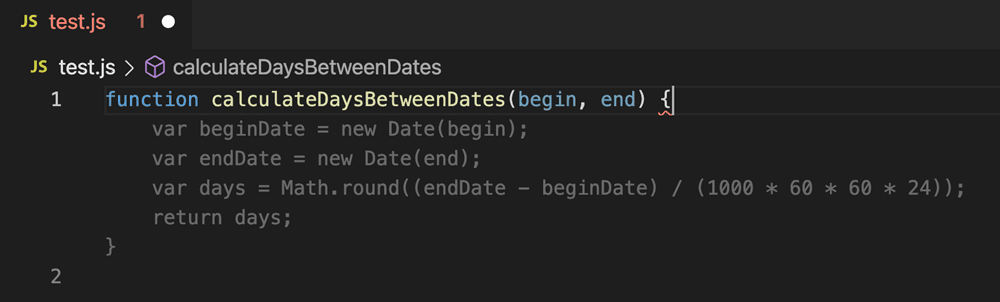
GitHub Copilot came first and has the most users. Over 20 million. There is a free plan, and the paid tier is $10/month — the cheapest option. Code autocomplete plus basic chat is the core offering. It recently added agent mode, which can now edit files directly.
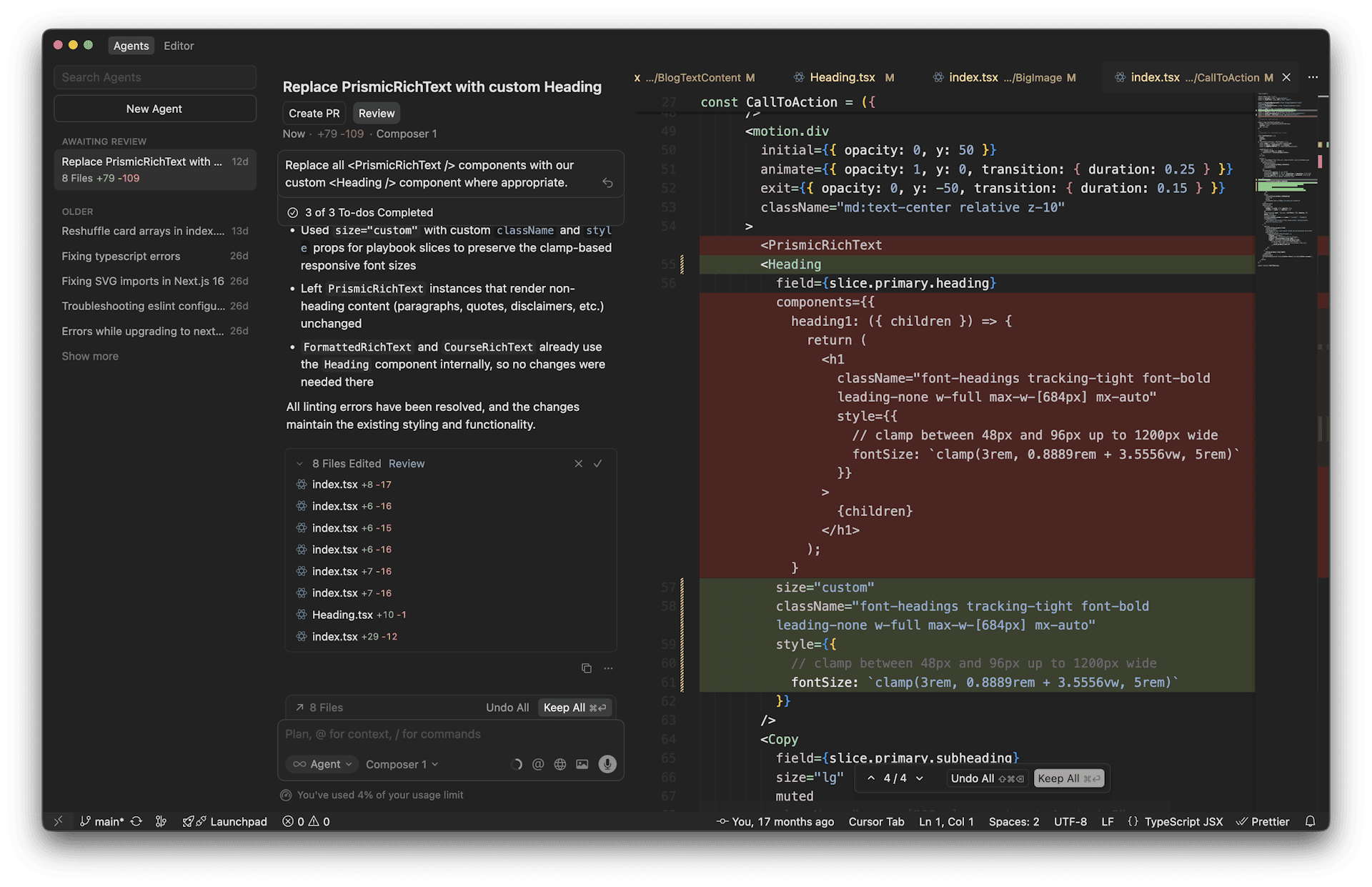
Cursor goes a step further. The AI does not just suggest — it edits multiple files at once. Say "add dark mode to this component" and it finds and modifies every related file. There is a reason it hit $500M in annual revenue in two years. It is the most popular vibe coding tool.
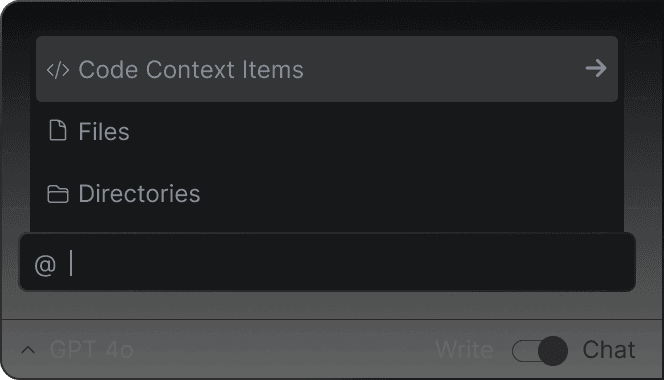
Windsurf (formerly Codeium) delivers strong value for the price. The free plan gives you 25 credits, and paid is $15/month — cheaper than Cursor. Its agent, Cascade, maintains conversation context while editing your code.
| Tool | Free | Paid Price | Strengths | Weaknesses |
|---|---|---|---|---|
| Copilot | 2,000 completions/mo | $10/mo | Cheapest and most stable | Weak agent capabilities |
| Cursor | 50 requests/mo | $20/mo | Best agent, most popular | Limited free plan |
| Windsurf | 25 credits/mo | $15/mo | Great value | Smaller ecosystem |
Type 2: In the Terminal — Claude Code, Codex
No editor needed. You code by having a conversation in the terminal (the black screen). Say "build me a blog" and it creates files, writes code, builds, tests, and deploys — all of it.
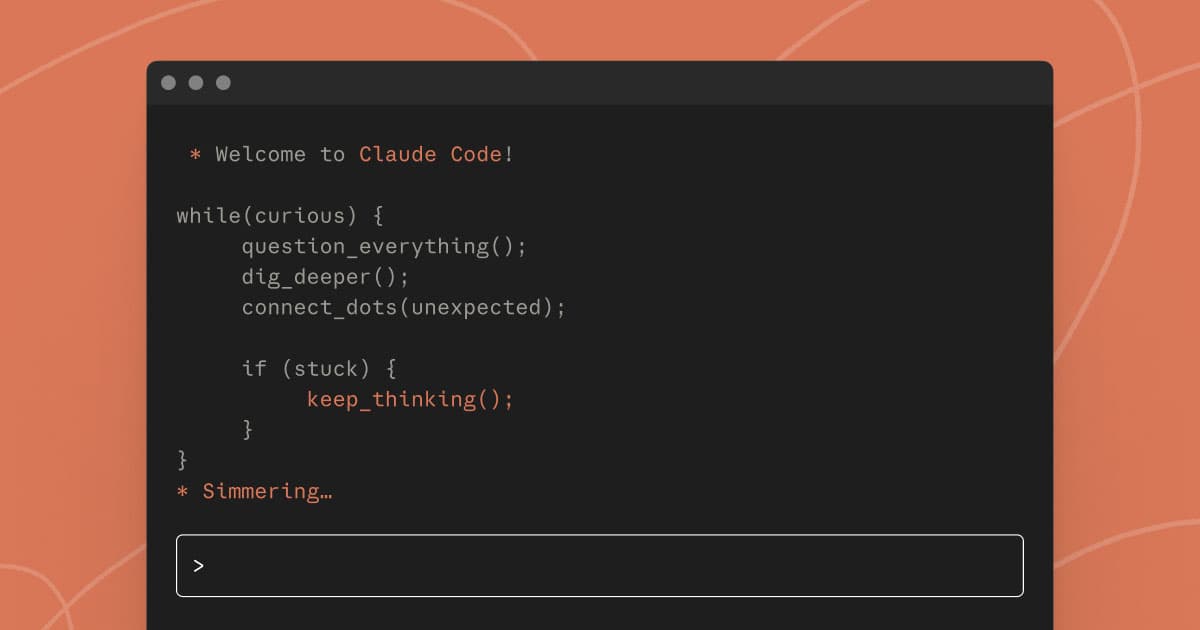
Claude Code is Anthropic's terminal-based AI coding tool. This blog (todaysvibe) was built entirely with Claude Code. I had a conversation in the terminal, set up the design, wrote the posts, and deployed. It offers the most freedom, but there is a barrier to entry — you need to be comfortable with the terminal. Requires a Claude Pro ($20/mo) subscription or higher.
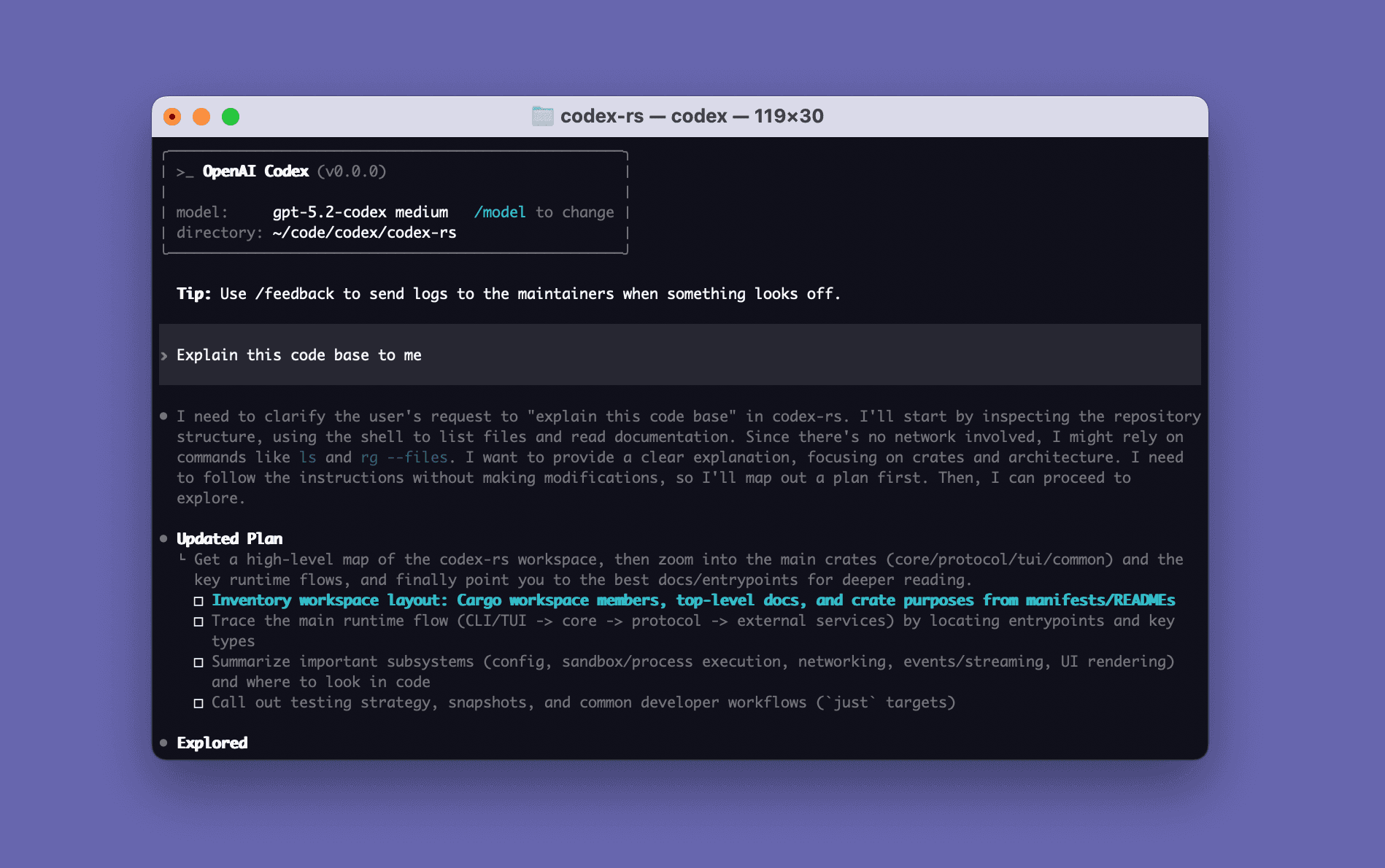
Codex is OpenAI's answer. It works in the terminal like Claude Code. It runs on GPT-5.3 and requires ChatGPT Plus ($20/mo) or higher. Its distinguishing feature is running code safely inside a sandbox environment.
| Tool | Free | Paid Price | Strengths | Weaknesses |
|---|---|---|---|---|
| Claude Code | None | $20/mo (Pro) | Maximum freedom, top agent perf | No free tier, terminal required |
| Codex | Limited | $20/mo (Plus) | Sandbox safety, GPT-5.3 | Terminal required, new ecosystem |
The key advantage of terminal tools is freedom. If editor tools are "assistants that write code for you," terminal tools are closer to "agents you can hand an entire project to." The trade-off: if you have never opened a terminal, the learning curve is steep.
Type 3: In the Browser — Lovable, Bolt, Replit
These are for people who do not want to see code at all. Type "build me a todo app" in the browser and a finished app comes out. Nothing to install.
Lovable leads the non-developer market. It hit 25/month.
Bolt.new is a browser-based builder from the StackBlitz team. The free plan is generous (150K tokens per day). The AI generates code and you see it run live in the browser. Paid is $20/month.
Replit was originally an online coding environment, but it transformed into an AI builder after adding Agent 3. Say "build me an app" and the agent writes the code and runs it on the same screen. Free is basically a trial, paid is $20/month.
| Tool | Free | Paid Price | Strengths | Weaknesses |
|---|---|---|---|---|
| Lovable | 30 credits/mo | $25/mo | Built for non-devs, design-to-code | Complex apps hit limits |
| Bolt.new | 150K tokens/day | $20/mo | Generous free tier, instant preview | Large projects are tough |
| Replit | Trial-level | $20/mo | All-in-one (code + run + deploy) | Limited free plan |
Full Price Comparison
Everything at a glance. Free plan availability and starting paid price.
| Tool | Type | Free | Starting Price | Notes |
|---|---|---|---|---|
| Copilot | Editor | Yes | $10/mo | Cheapest |
| Windsurf | Editor | Yes | $15/mo | Great value |
| Cursor | Editor | Yes | $20/mo | Most popular |
| Claude Code | Terminal | No | $20/mo | Top agent perf |
| Codex | Terminal | Limited | $20/mo | GPT-5.3 |
| Bolt.new | Browser | Yes | $20/mo | Generous free tier |
| Replit | Browser | Yes | $20/mo | All-in-one |
| Lovable | Browser | Yes | $25/mo | 63% non-developers |
Most cluster around **10) and Windsurf (25) is pricier. Most tools let you start for free, so try before you pay.
Picking the Right Tool for You
The answer depends on what kind of person you are.
You know zero coding. You want to build an app. -> Lovable or Bolt.new Just tell it what to build in the browser. Nothing to install, no code to read. Lovable has higher design quality. Bolt.new has a more generous free plan.
You want to learn while building. -> Cursor or Replit If you want to watch the AI write code and learn from it, go with Cursor. If you want to stay in the browser with zero setup, Replit. Both have the AI writing code, but the code is always visible.
You are already a developer. -> Claude Code or Cursor If you are comfortable in the terminal and want maximum freedom, Claude Code. If you prefer staying inside an IDE, Cursor. Both have powerful agent modes.
You do not want to spend money. -> Copilot Free or Bolt.new Free Copilot Free gives you 2,000 autocompletes + 50 AI requests per month. Enough for light coding. If you want to build an app, Bolt.new Free offers 150K tokens per day — plenty to start.
One-line summary:
| I am... | Recommended Tool |
|---|---|
| Non-coder, want to build an app | Lovable |
| Learning to code while building | Cursor |
| Developer, want maximum freedom | Claude Code |
| Not spending money | Copilot Free |
| Just want to build something right now | Bolt.new |
Starting Matters More Than the Tool
Do not spend too much time comparing tools. Once you pick one, switching later is easy. Start with Cursor, move to Claude Code later. Build a quick prototype in Lovable, then bring it into Cursor to refine.
Most of them are free to start. Just pick one and go. The next post in this series walks through installing Claude Code and writing your first code, step by step.
Sources: