- Authors

- Name
- 오늘의 바이브
No Editor Needed
Editor-based tools felt like having AI sit next to you and help. Terminal-based tools are different. You hand over the entire job to the AI.
"Make me a blog."
That one sentence is enough. The AI takes it from there. It creates the project folder, generates files, writes code, installs dependencies, builds, fixes errors, runs tests, and deploys. You check the result and say "looks good" or "change this part."
This blog (todaysvibe) was built with a terminal-based AI. Design, writing, deployment — all done with Claude Code. I barely opened an editor.
What Even Is a Terminal
A terminal is a program with a black screen where you type text. Instead of clicking with a mouse, you type commands to control the computer.
$ claude "make me a blog"
Type that, and the AI responds, creates files, and runs code. No buttons. No menus. Just text. It looks intimidating, but you do not need deep terminal knowledge to use terminal-based AI tools. The AI runs terminal commands for you.
What the AI Does
Terminal-based AI can do more than editor-based AI.
File creation and editing — It creates new files, reads existing ones, and modifies them. It handles dozens of files at once.
Running commands — The AI directly executes commands like npm install, git commit, and vercel deploy. You do not need to memorize commands.
Automatic error fixing — When code throws an error, the AI reads the error message, identifies the cause, fixes the code, and runs it again. It repeats this loop without human intervention.
Web search and documentation — It looks up the latest library docs and applies them to your code.
Here is an analogy. If web builders are "ordering a finished product," prompt-based tools are "getting a recipe and cooking it yourself," and editor-based tools are "cooking with a chef beside you," then terminal-based tools are "handing over the entire kitchen."
The Two Main Tools
Claude Code — The Tool That Built This Blog
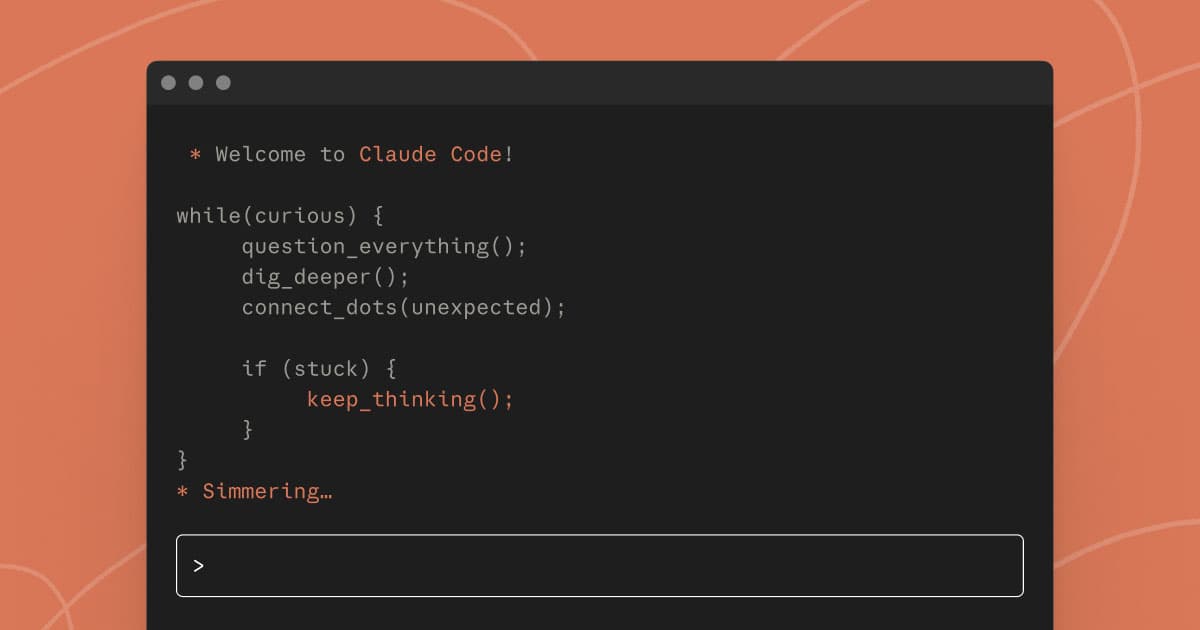
Claude Code is a terminal-based AI coding tool made by Anthropic. You have a conversation in the terminal and manage an entire project through it.
Boris Cherny, the creator of Claude Code, shared this:
"In the last 30 days I opened 259 PRs — 497 commits, 40k lines added, 38k lines deleted. Claude Code wrote all the code."
He runs 10 to 15 Claude Code sessions simultaneously.
Jaana Dogan, a principal engineer at Google, posted a viral tweet:
"Not kidding. We described a distributed agent orchestrator to Claude Code — something that took us a year to build — and it reproduced it in one hour."
She added it was "a toy implementation, not production-grade," but the fact that a year of work was reproduced in one hour was shocking enough.
There is no free plan. You need a Claude Pro ($20/month) subscription or higher.
This is the official Anthropic demo showing Claude Code in action.
Codex — OpenAI's Answer
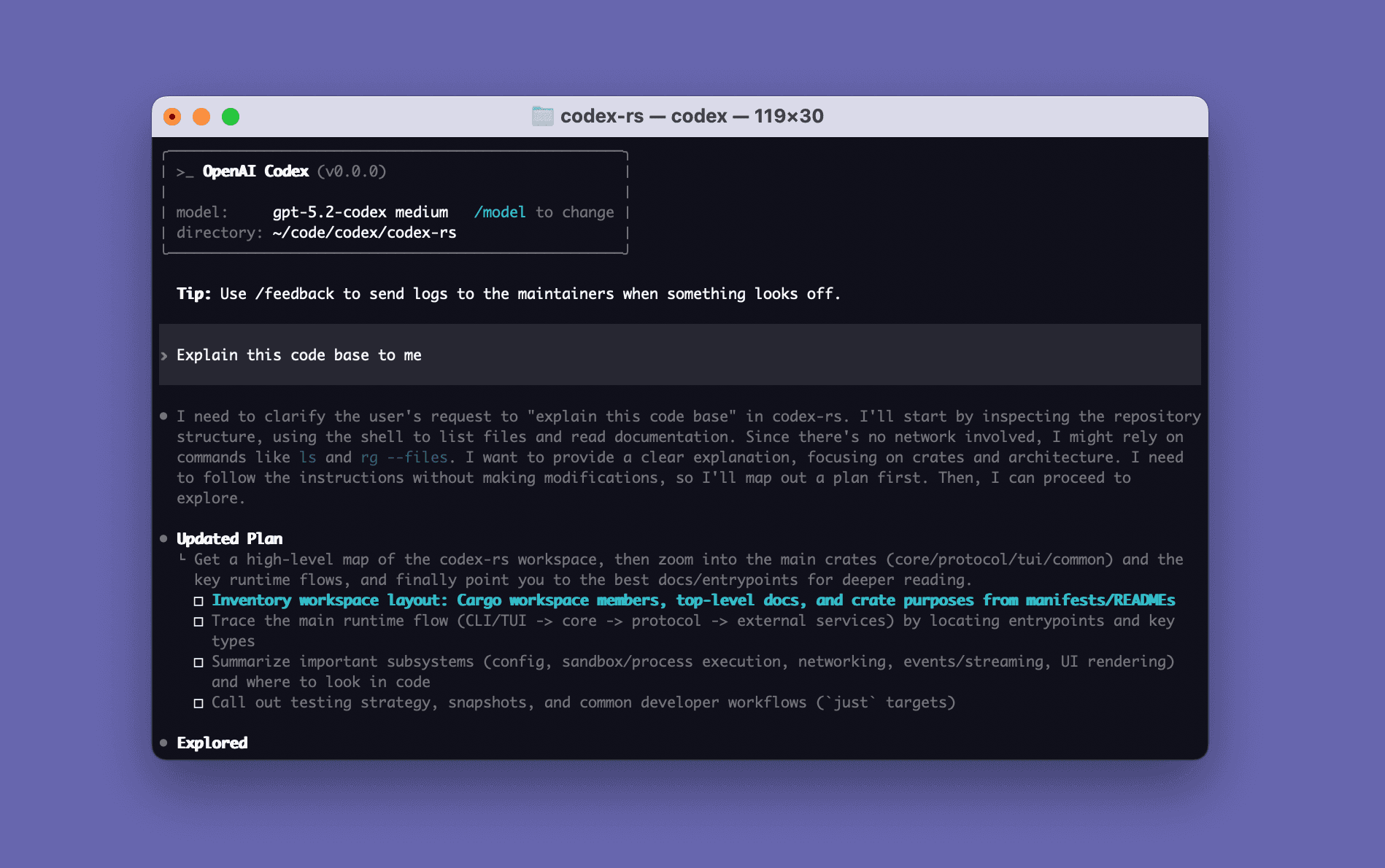
Codex is OpenAI's terminal-based AI coding tool. Like Claude Code, you code by having a conversation in the terminal. It uses the GPT-5.3 model.
What sets Codex apart is its sandbox. When the AI runs code, it does so in an isolated environment. This reduces the risk of accidentally deleting important files or breaking your system.
You need a ChatGPT Plus ($20/month) subscription or higher.
This is the livestream where OpenAI first revealed Codex. Greg Brockman demos it live.
| Tool | Free | Paid | Strengths | Weaknesses |
|---|---|---|---|---|
| Claude Code | None | $20/mo (Pro) | Best agent performance, most freedom | No free plan |
| Codex | Limited | $20/mo (Plus) | Sandbox safety, GPT-5.3 | New ecosystem |
How Is This Different from Editor-Based
| Editor-based | Terminal-based | |
|---|---|---|
| Editor needed? | Yes (Cursor, VS Code) | No (terminal only) |
| AI's role | Assists beside you | Takes over completely |
| Running commands | Limited | AI runs them directly |
| File creation | Possible | Large-scale possible |
| Build/deploy | You do it yourself | AI does it directly |
| Barrier to entry | Medium | High (terminal) |
The core difference is autonomy. Editor-based AI edits code, but you still have to build and deploy yourself. Terminal-based AI deploys when you say "deploy." You just check the result.
Where It Breaks Down — The Limits
Terminal-based tools are the most powerful, but their limits are also the most obvious.
1. The terminal is unfamiliar For someone who has never opened a terminal, it is a high wall. Seeing a cursor blink on a black screen makes "what is this?" a natural reaction. The AI runs commands for you, but you still need to know the basics — how to open a terminal and navigate around.
2. Free plans are nonexistent or thin Claude Code has no free plan at all. You need $20/month to start. Codex has a limited free plan. Compared to editor-based tools (Copilot at $10/month) or web builders (Bolt.new for free), the entry cost is high.
3. It is hard to monitor what the AI is doing With editor-based tools, changes are highlighted when the AI modifies code. Terminal-based AI changes multiple files in the background, making it hard to track every modification. Even Cursor's CEO warned about this:
"If you close your eyes and let the AI code without looking, you are building layers on an unstable foundation. It will collapse." — Michael Truell, Cursor CEO
4. Setup is complicated To use Claude Code, you need to install Node.js, run npm commands in a terminal, and configure API keys. A far cry from the "open a browser and start" experience of web builders.
5. Costs can spike fast Terminal-based AI consumes a lot of tokens per request. As your project grows, you could spend tens of dollars a day. Behind the convenience of "just tell it and wait" hides real cost.
| What you can do | What is hard |
|---|---|
| Generate entire projects | Terminal is foreign to many |
| Automate build/test/deploy | Starting for free |
| Large-scale refactoring | Tracking what AI changed |
| Production-level development | Managing costs |
Who Should Use This
Terminal-based tools are best for "people who have some coding experience, or the willingness to learn."
- Developers looking to maximize productivity
- People comfortable with the terminal, or willing to learn
- People who want to hand entire projects to AI
- Solo builders who want to ship real products
If you know nothing about coding, start with web builders. If coding has started to interest you, work your way up through editor-based tools.
The Four Types, Summarized
This series covered four types of AI coding.
| Type | Main Tools | Core Idea | Who Is It For? |
|---|---|---|---|
| Web Builder | Lovable, Bolt.new | Say it, get an app | People who know zero coding |
| Prompt-based | ChatGPT, Claude | Copy-paste code | People who want to see what code is |
| Editor-based | Cursor, Copilot | AI assists beside you | People learning to code |
| Terminal-based | Claude Code, Codex | Tell it and wait | Developers, or those going all in |
Freedom increases as you go down the list. So does the barrier to entry. There is no right answer. Pick the type that matches your skill level and goal. Moving between them is natural.
Andrej Karpathy coined "vibe coding" in a February 2025 tweet:
"There is a new kind of coding I call vibe coding. You fully give in to the vibes, embrace exponentials, and forget that the code even exists."
The era where you can forget about code is here. Whatever tool you pick, what matters is starting.
Sources: